Full Send
A downloadable game
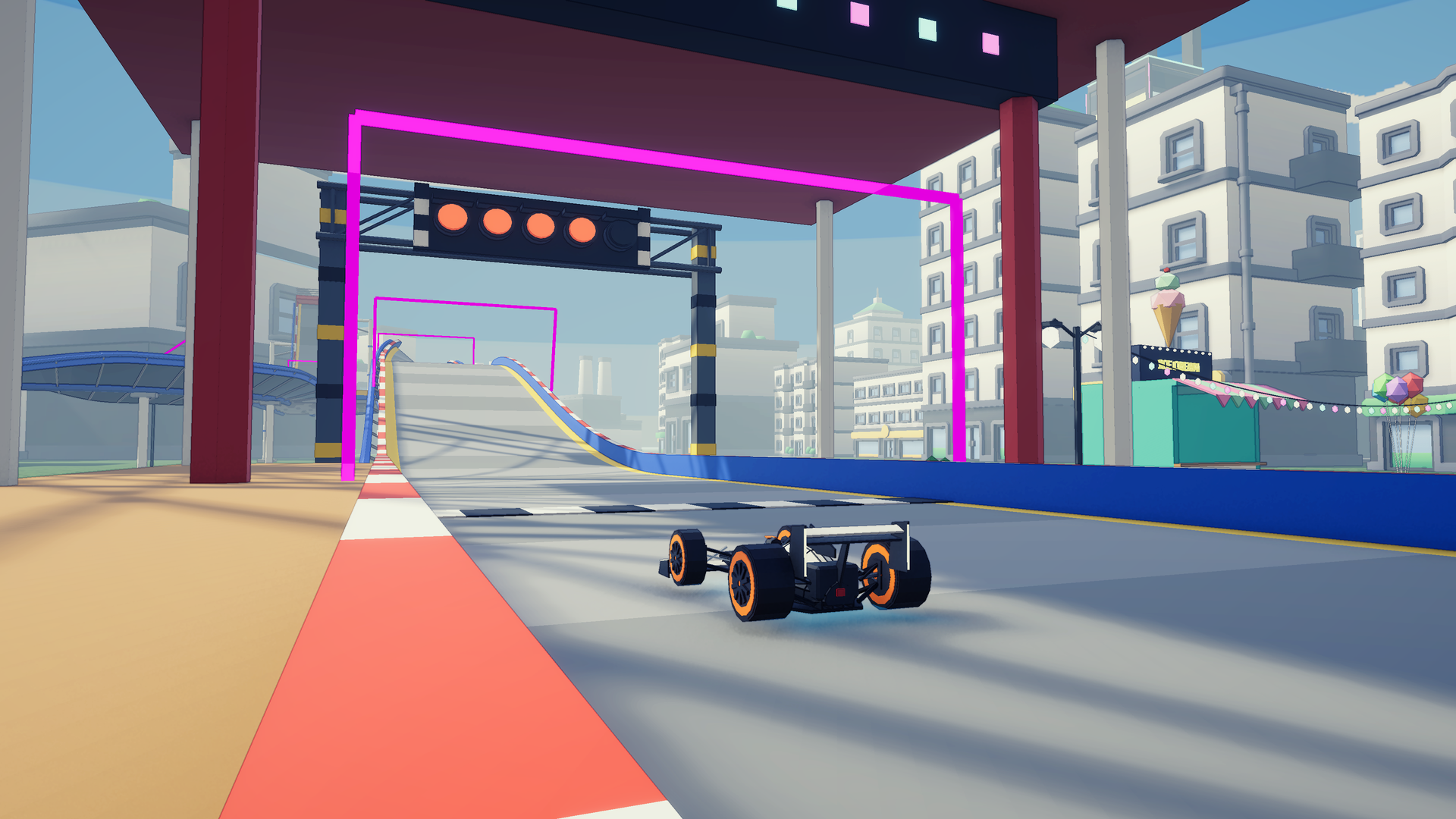
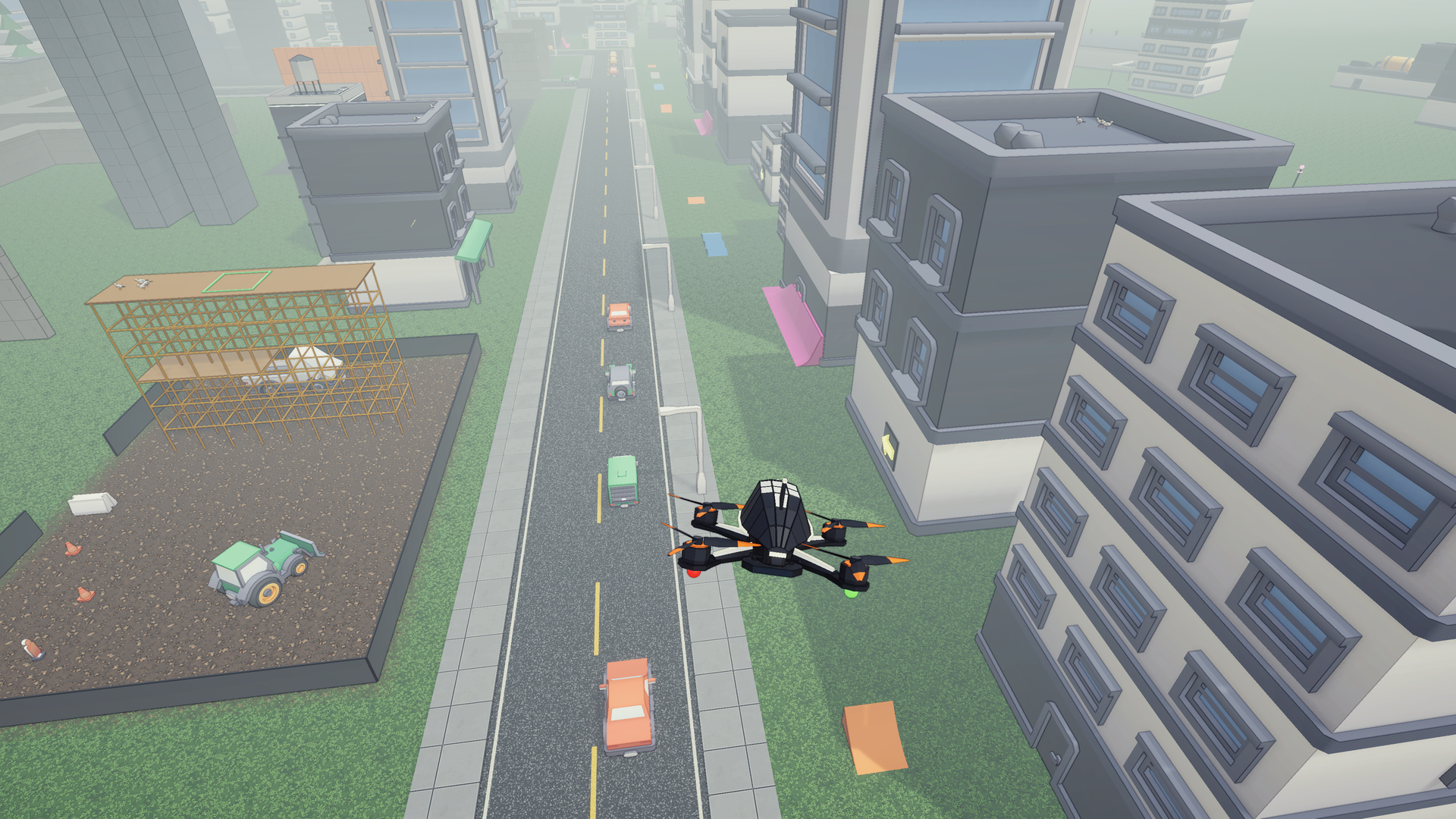
Full Send is an FPV drone game with real acro physics and an arcade career, set in one open city. And your drone turns into an RC car.
Fly it like a real quad: rates, expo, throttle, propwash, no self-levelling. Then hit a button mid-air, land on four wheels and drift through a car park, wall-ride a building, flip off a kicker and land a roof grind on a rail. Transform back and fly over the rooftops.
Start with a taped-together junker. Do odd jobs, win races, and work your way up to a real racing quad.
What's in the demo
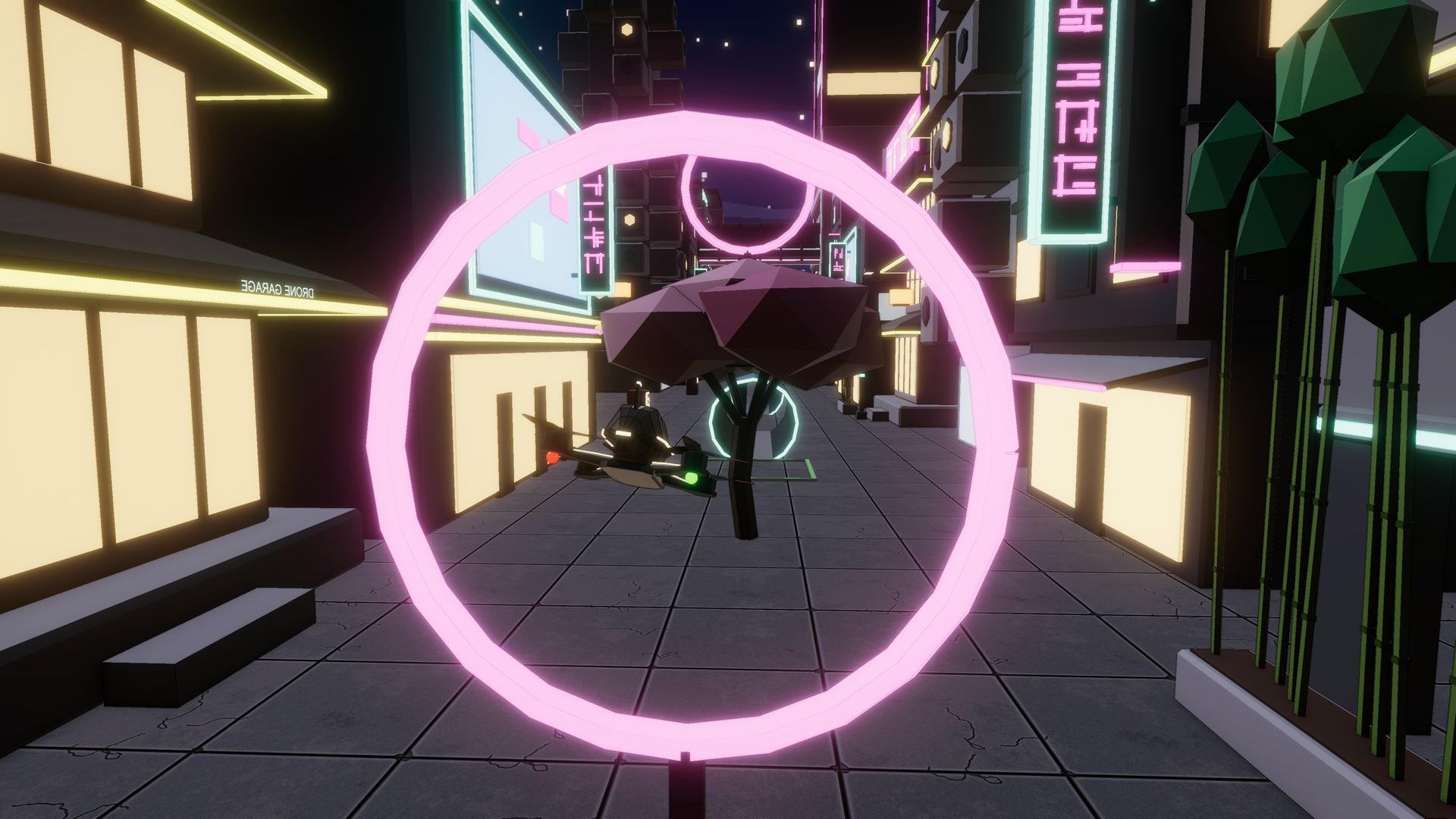
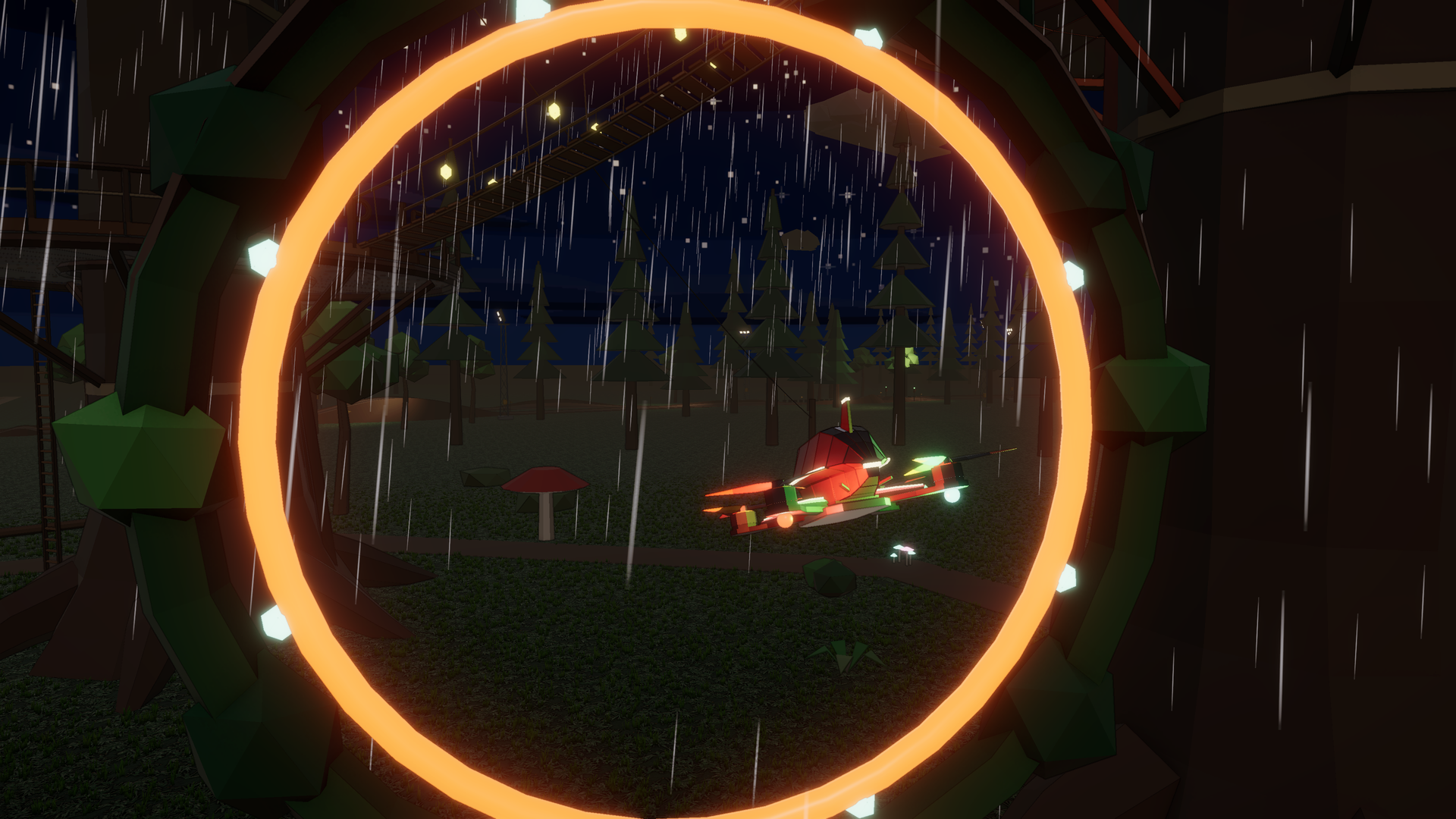
- One open city to fly and drive: Neo-Tokyo alleys, a skyline rail line, a theme park, docks, a forest and a dirt track, with a day/night cycle and weather.
- Drone ↔ RC car, any time: one button. Drift, wheelie, bunny hop, flip, wall-ride, and grind rails on the bottom of your drone or the roof of your RC car.
- Lines everywhere: drone gates and pipes through the Neon Alley, a long kicker-and-wall-ride car line up East Avenue, a drift pad, and a race park.
- Seven races for the drone, the car, or both. Earn medals and race your own ghost. On your first run of a drone race, a glowing wisp shows the way.
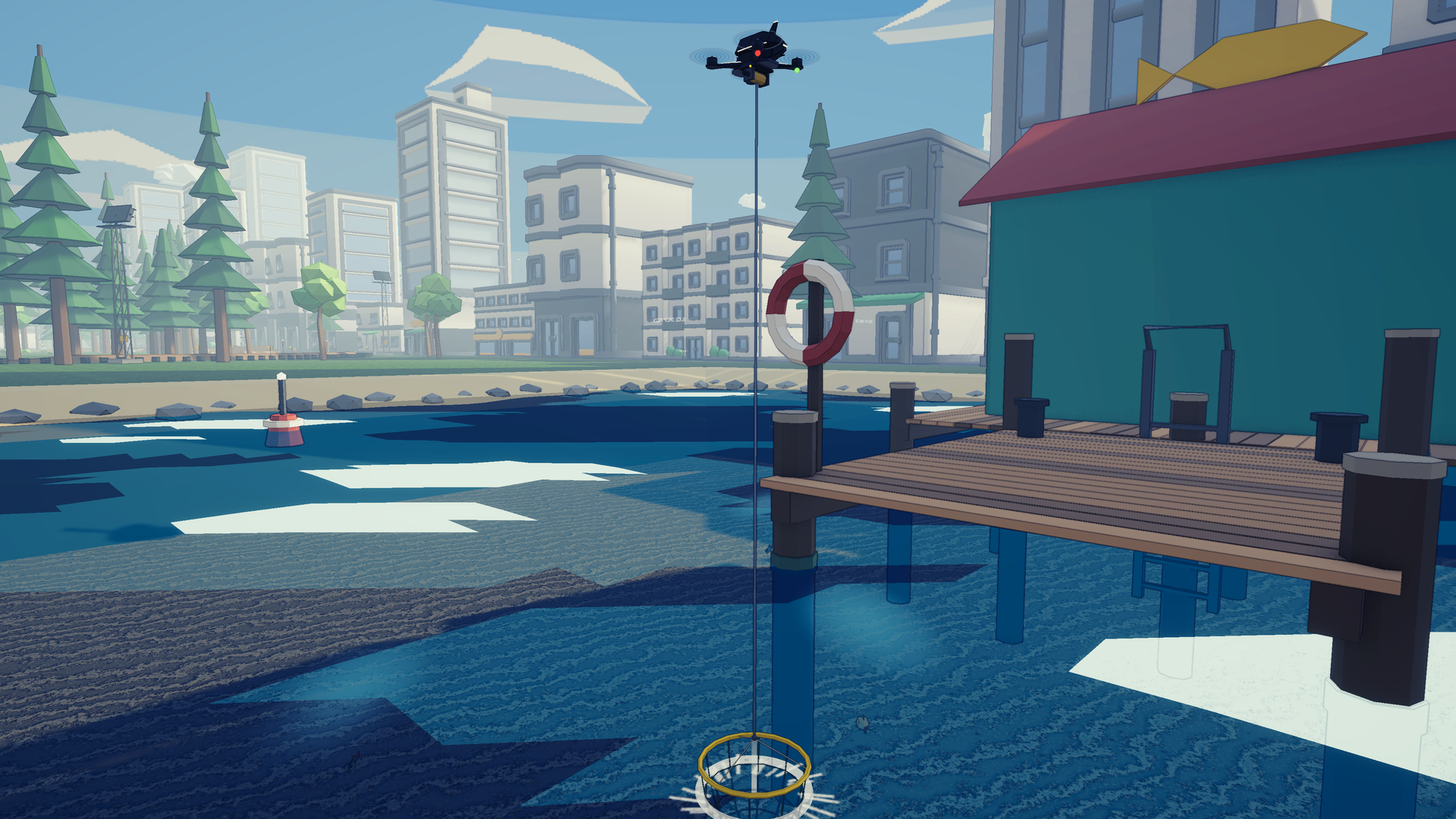
- Jobs: deliver pizza with a winch claw, go fishing at The Reel Deal with a net on a rope, and roll street dice with the RC crew.
- The Drone Garage: three drones to buy, each with its own RC car form, plus parts and paint. It shows what the next tier gives you before you spend.
- The Sensei teaches the basics on a new save (skip or replay the lessons in Settings).
- No battery timer. Fly as long as you like.
- Three save slots.
Controls
A gamepad is recommended (PlayStation and Xbox prompts). Every button can be rebound in Settings > Controller bindings, including stick-throttle and Mode 1–4 radio layouts.
Gamepad
- R2 / RT: throttle (drone) · gas (car)
- L2 / LT: brake / reverse (car)
- Left stick: yaw (drone) · steer (car)
- Right stick: pitch and roll (drone) · wheelies, bunny hops and air flips (car)
- L1 / LB: transform
- R1 / RB: handbrake drift (car)
- ✕ / A: interact (races, jobs, garage) · □ / X: claw
- ○ / B: respawn (hold: set your respawn point) · △ / Y: camera
- D-pad ↑ / ↓: FPV camera tilt · Create / View: restart the run · Options / Menu: settings
Keyboard
- Drone: W/S throttle up/down, X cuts the throttle, A/D yaw, arrow keys pitch/roll.
- Car: W gas, S brake, A/D steer, Shift handbrake, hold ↓ to wheelie and tap ↑ to bunny hop.
- Both: T transform, Space interact, F claw, C camera, R respawn, Backspace restart, Q/E camera tilt, Esc settings.
System requirements
- Windows 10 or 11, 64-bit
- A DirectX 11 or 12 graphics card (tested on an RTX 3060; on older cards, lower the Render scale in Settings)
- About 400 MB of disk space
What's new in v0.2.1
- Skyline Rail: checkpoints no longer stop working after the train.
- Skyline Rail: the bars that hung down over the track on the loops are gone.
- Skyline Rail: more room around the grind rails.
What's new in v0.2.0
- Flight: the drones fly natural acro (no flight assists), with calmer stick rates on all three drones.
- RC cars: three tiers, and the garage compares each one with what you have.
- The city: new free-roam lines for the drone and the car (East Verge Line, Neon Alley, the Block D drift pad, the City Course race park).
- Races: a guide wisp on your first run of a drone race; Skyline Rail reworked for flow, with a cleaner, roomier train.
- Onboarding: the Sensei's lessons on a new save.
- Settings: master and engine volume; window, VSync, frame limit and render scale.
- The bunny hop works on the keyboard; lots of smaller fixes.
This is an early early prototype/build: feedback in the comments is very welcome!
And if anybody wants to be apart of the project please reach out!
Download
Click download now to get access to the following files:
Leave a comment
Log in with itch.io to leave a comment.